A pocket workshop: clean, quick and quiet
Bevel. Your phone's sensors, turned into tools.
A full-screen torpedo level, a compass, a protractor and a ruler you calibrate, free for good. Bevel Pro adds a camera rangefinder, a metal detector and more.
- No ads
- No accounts
- No subscriptions


Move your pointer across the level, or use the arrow keys.Drag or tap along the vial to tilt it.
Level · measure · explore
What Bevel is for
The jobs a phone full of sensors was always good at, done plainly.
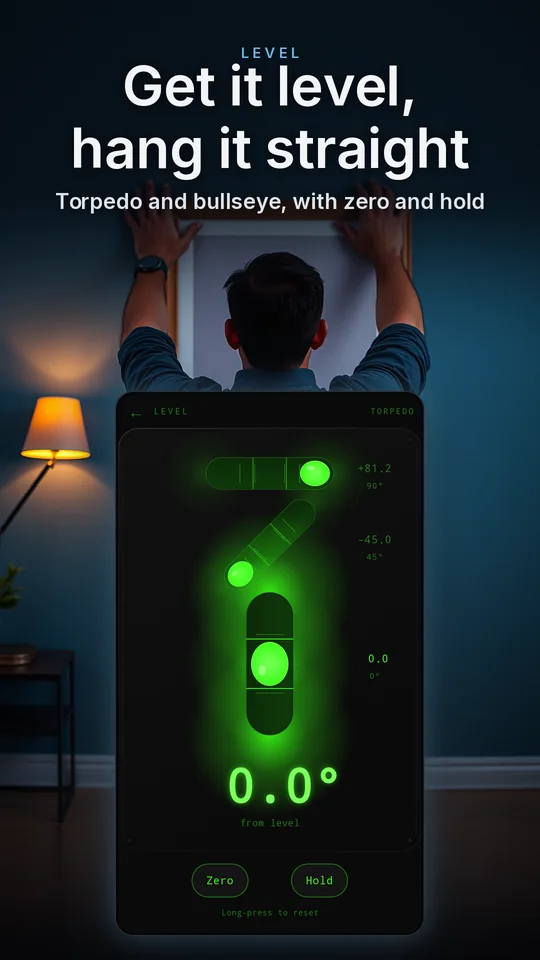
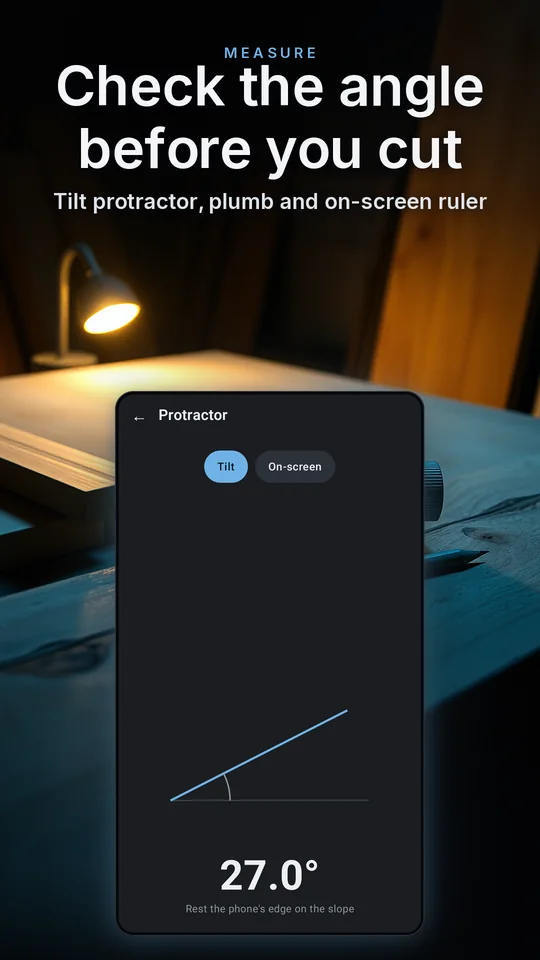
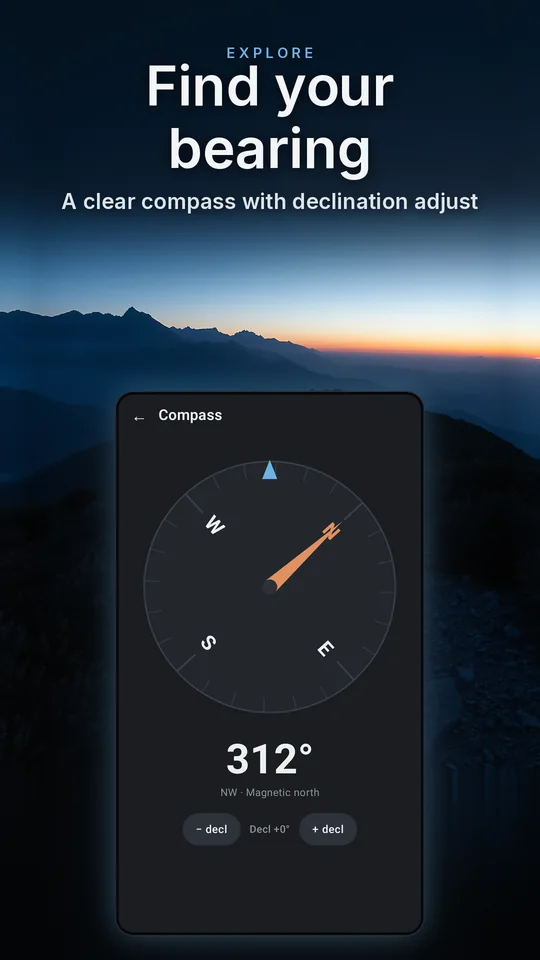
Backgrounds are illustrations; the phone screens are the real app.
Free, forever
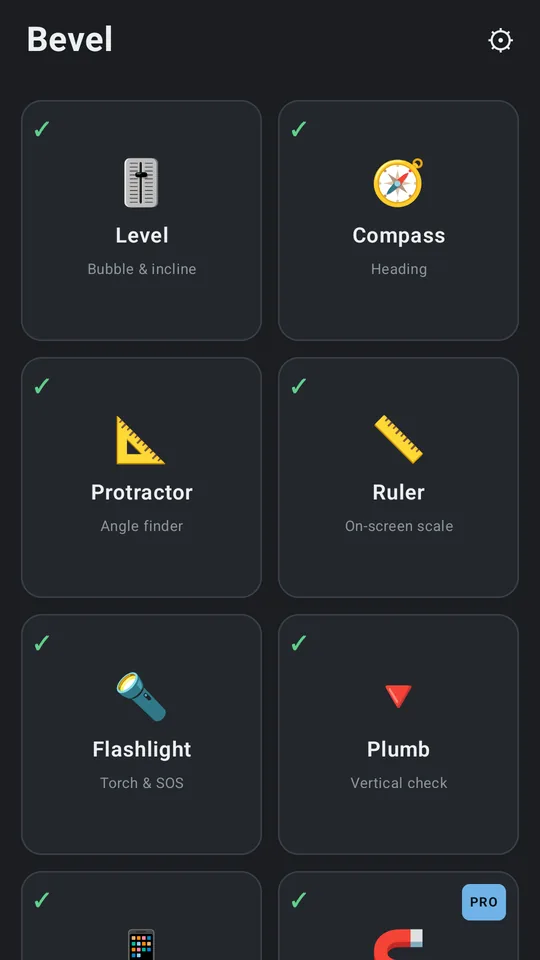
Eight tools, and not one of them held back
Each one full-screen and quiet, with a ✓ or ✗ on its tile so you know up front what your own phone can do.
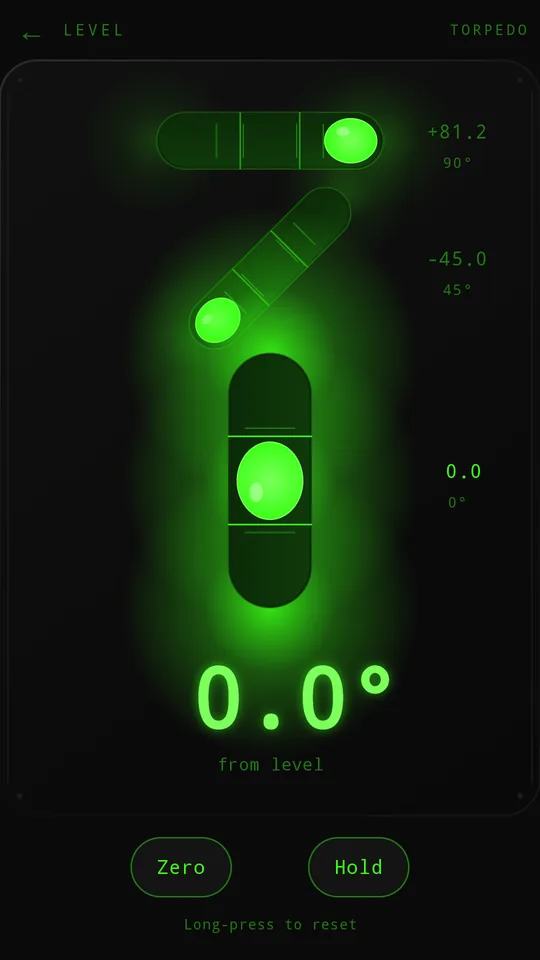
Torpedo Level
Bullseye and torpedo bubble levels with edge readings and calibrate-on-flat. Hold freezes a reading; Zero trims a vial.
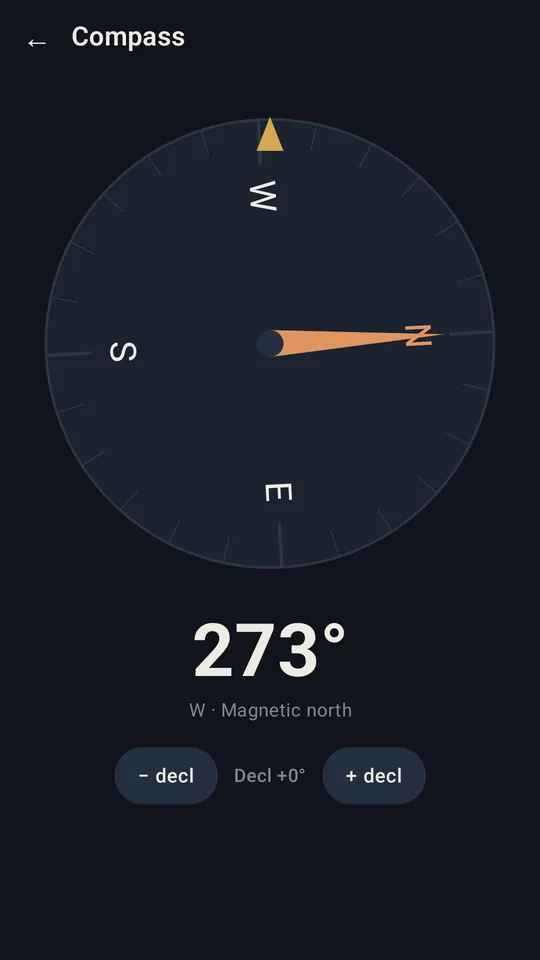
Compass
A smooth rotating dial with true-north support via a declination you set yourself.
Protractor
Measure an angle by tilt, or drag two arms on screen.
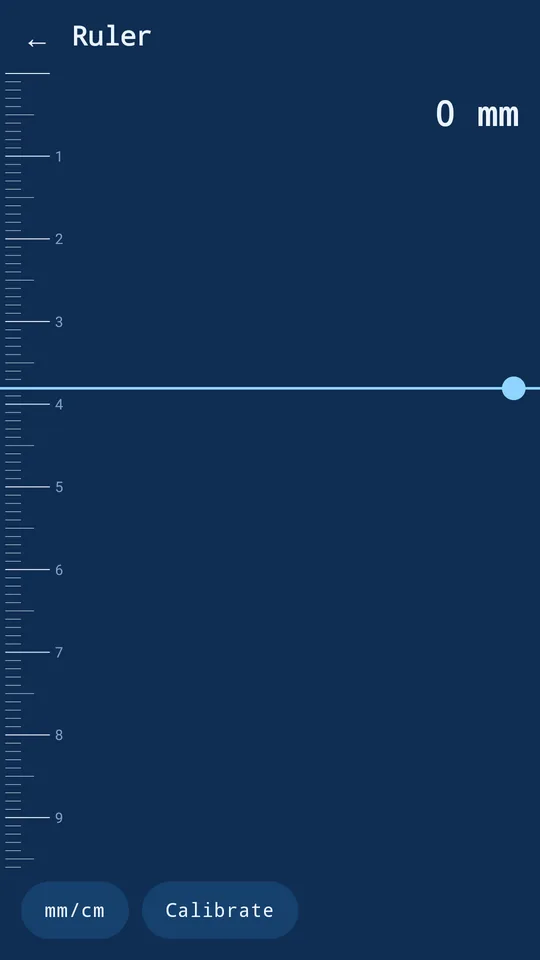
Ruler
An on-screen scale you calibrate against a bank card so it reads true.
Flashlight
A real torch, a full-screen light, and an SOS signal.
Plumb
Check walls, frames and posts are truly vertical.
Screen Test
Full-screen colours to hunt dead or stuck pixels.
Sensor Check
Every sensor your phone carries, live, and what Bevel reads from each one.
Rangefinder Pro
Box it, and read how tall it is
The Rangefinder estimates the height and distance of a tree, building or ceiling by tilt, or with the camera sight: aim, draw a box from its top to its base, and read both at once.

Illustration of the Rangefinder's camera sight: a box is drawn around an oak tree from the top of its crown to the base of its trunk, it locks, and Bevel reads 8.59 metres tall and 13.07 metres away, from a phone held 1.5 metres up.
Illustration of the camera sight. The figures follow the app's own maths for this picture.
- Aim the camera at it, holding the phone level.
- Box it from the top to the base, or mark Base and Top by tilt.
- Read its height and its distance, live on the sight.
Bevel Pro
Seven more tools, and every look
One purchase inside the app unlocks the advanced tools. Two of them, in motion:
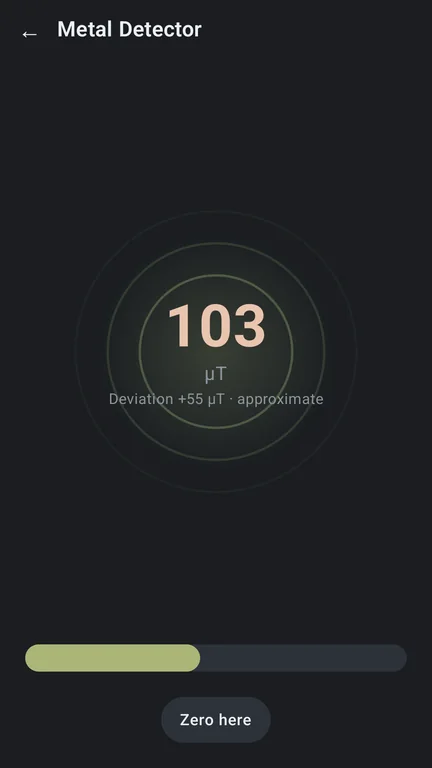
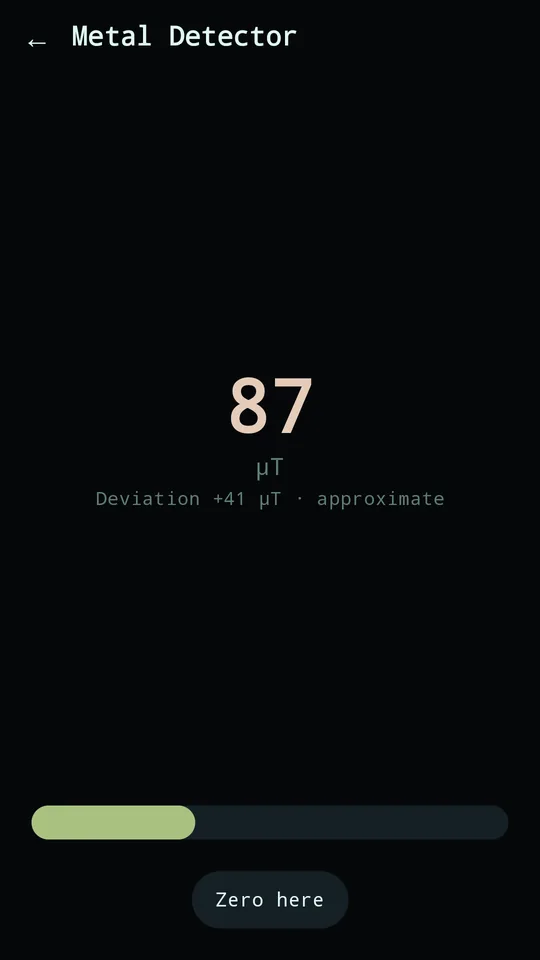
Metal Detector Pro
Sense magnetic fields to find studs, nails and pipes, with a pulse that quickens as you close in.
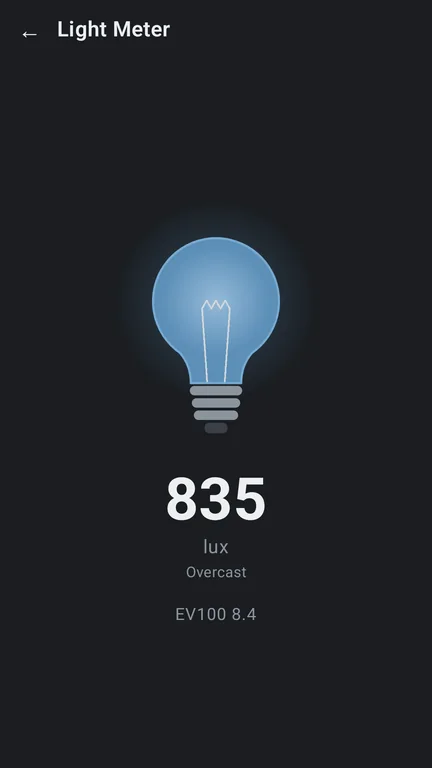
Light Meter Pro Android
Illuminance in lux, with an EV reading and a bulb that glows with the light.
Real captures from Bevel on Android. They move while they are on screen; Pause motion stills them.
AR Measure New in 2.0
Lengths, heights and areas close up with the camera, on supported phones. On Android now; on iPhone it comes with Bevel 2.0, which is in TestFlight.
Rangefinder
Height and distance by tilt, or with the camera sight above.
Seismometer
A live vibration graph with peak hold.
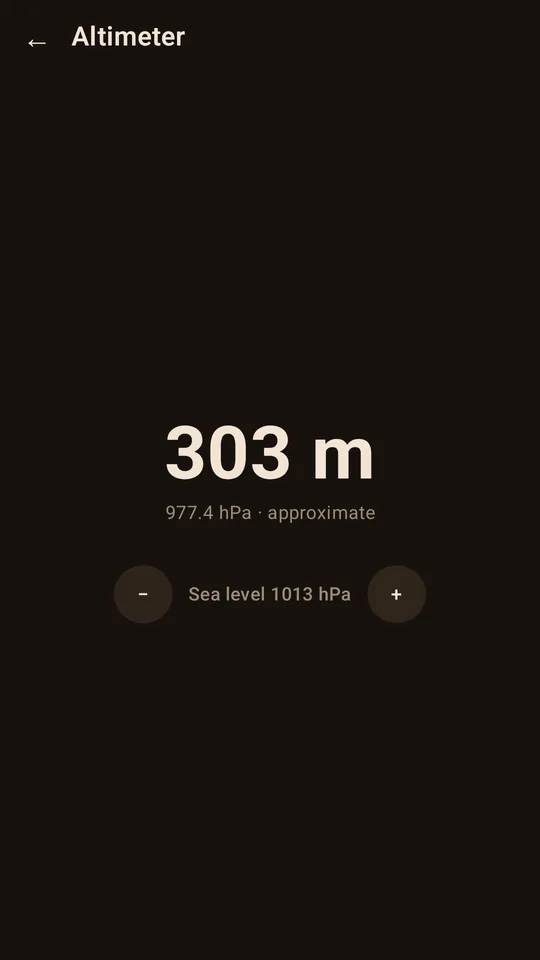
Altimeter
Barometric pressure and relative altitude.
Vial Level
A glowing liquid bubble in black glass that follows how you hold the phone, roll and pitch together.
Every skin and every sound set
From Blueprint's line-work to Neon's glow.
Tap any Pro tool for a short preview before you unlock it.
Pro is a single one-time purchase tied to the store account that bought it, so it unlocks on any compatible device you sign in with. Pay once, own it forever, and no subscription, ever.
Built honest
Handy, not a laboratory
Phone sensors are handy, not laboratory instruments, so Bevel's readings are approximate, and it tells you so up front.
Not every phone has every sensor, either. Each tool shows a ✓ or ✗ for your device, and the metal detector, light meter and altimeter say clearly when the hardware isn't there, instead of inventing a number.
Bevel keeps your settings on your device, and readings are taken in the moment, not stored and not sent anywhere. Bevel uses the network for the store's billing for the one-time upgrade. We receive anonymous usage stats. Read the privacy page
What Bevel will never do
- Ask for an account or a sign-in
- Carry an ad, or an ad SDK
- Charge you weekly, monthly or yearly
- Store a reading, or send one anywhere
- Pretend a phone is a laboratory instrument
- Beg you for a rating, or interrupt you with an upsell
The real thing
What it looks like
Screens captured from the release builds: the toolbox, five instruments in five of the skins, and the two new Pro animations.
Thirty seconds
Bevel in half a minute
The presenter is AI-generated; everything on the phone is the real app. Watch on YouTube
Get Bevel
Bevel is on Google Play and the App Store. Tap a badge to install: the free toolbox is yours from the first tap, and Bevel Pro is one purchase inside the app.
Nothing to sign up for here: no mailing list and no newsletter.